Say it your way
Messages, voice notes, encrypted images and WebRTC voice or video calls. Reply, react and search your conversations.


Choose the iOS app or browser PWA. Their security and backup features differ; the details below describe the browser PWA. No phone number required.
Checking shared Relay API…Shared API check; this does not measure Veil usage or message delivery.
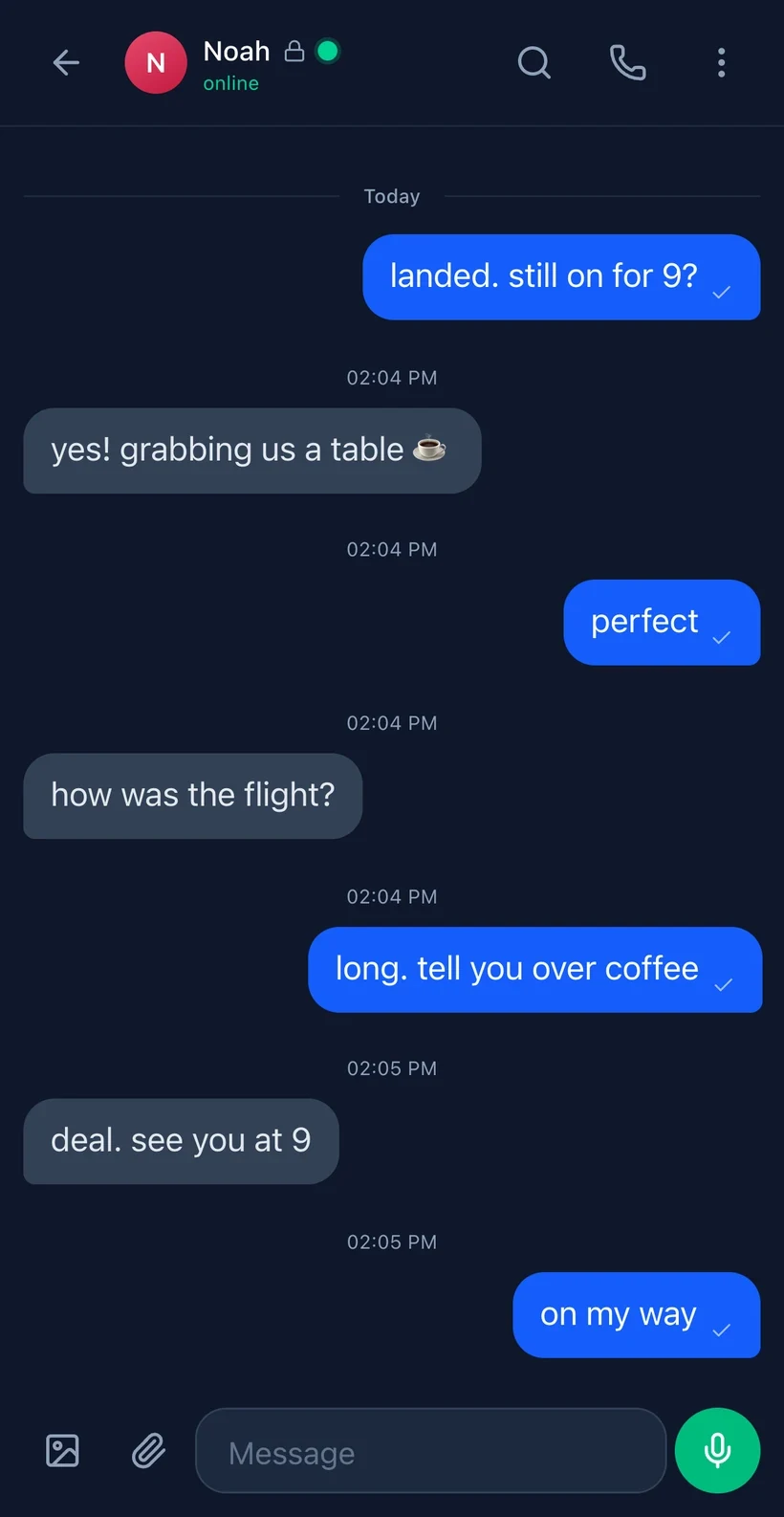
In the browser PWA, start with a cryptographic identity. Exchange a DID or QR code, verify your contact, then message, call and share. The iOS app has a separate feature set.
Messages, voice notes, encrypted images and WebRTC voice or video calls. Reply, react and search your conversations.
Invite contacts by DID. New encrypted groups are private by default; standard channels register the group name and member DIDs with the relay.
Verify contact keys and choose disappearing-message timers. Timers cannot stop a recipient from making a copy.
Start in the browser with no phone number. An invite opens the right contact after setup; you can finish optional profile steps later. Back up your identity before you rely on it.
Ask your contact for their Veil invite link, or open Veil and create your own identity. No phone number or email.
Create your identityAfter setup, the invite opens their profile. Check the identity, then choose Add & Message. Without an invite, use Chats → New Message or Share Invite Link.
Browser PWA: export a passphrase-encrypted identity backup and a separate history file. iOS app: its reviewed source copies raw credentials with private keys to the clipboard for Export Identity; protect them. We have not verified a native history export.
See backup optionsFirst-message speed is a design goal, not a measured guarantee. Your contact must also join and be reachable.
Start with a public Relay discovery call. To send and receive, agents generate their keys locally and use the shared Voidly Relay SDK. The example below registers two new identities and exchanges one encrypted message.
Relay SDK quickstart
One public call, no account
curl -fsS 'https://api.voidly.ai/v1/agent/discover?query=veil&limit=5'Then install the SDK to message
npm install @voidly/agent-sdkSave as quickstart.mjs and run with Node
import { VoidlyAgent } from '@voidly/agent-sdk'
const alice = await VoidlyAgent.register({ name: 'alice-' + crypto.randomUUID() }, { dropBox: true })
const bob = await VoidlyAgent.register({ name: 'bob-' + crypto.randomUUID() }, { dropBox: true })
await alice.send(bob.did, 'Hello from Alice')
console.log((await bob.receive()).map(message => message.content))Read before sending
Drop-box mode removes stored sender and recipient columns for steady-state 1:1 messages between compatible peers. A current peer's public first-contact inbox exposes the recipient and arrival, while the sender field is sealed to that recipient. An immediate first send from this sample may use the legacy route until Bob advertises inbox capability, leaving a stored (from, to) edge. IP, timing and other identified calls can still reveal relationships.
Discovery returns JSON with agents, count and listing_scope. It lists published profiles, not active Veil users. The limit is 120 reads per minute per source; invalid input returns JSON error, and exhausted capacity returns HTTP 429. A result is not proof of a live recipient.
These are shared Relay tools. There is no separate Veil MCP server or hosted A2A task endpoint.
Veil machine guideThese security and metadata details describe the browser PWA. The iOS app has a separate implementation; read its limits before relying on either.
Encrypted content, not your private keys. Double Ratchet message encryption and a hybrid X25519 + ML-KEM-768 key exchange protect supported browser sessions.
For compatible browser peers, automatic drop-box routing removes the stored sender/recipient edge for steady-state 1:1 messages. There is no browser drop-box setting to enable. Do not assume the iOS app uses this route.
IP addresses, timing and size classes remain relevant. A current peer's public first-contact inbox reveals the recipient and arrival, while the sender field is sealed. Other identified calls can reveal relationships, and older or incompatible peers use a legacy route that stores both DIDs.
Cover traffic has its own opt-in Settings switch, independent of the privacy level. It blurs timing; it is not a mixnet or an anonymity guarantee.
Per-message keys and ratcheting limit the impact of a compromised message key. Device compromise and contact verification remain separate risks.
ML-KEM-768 + X25519 hybrid key exchange for supported peers. Older or non-Veil peers without an ML-KEM key use classical X25519.
There is no setting for this in Veil. Steady-state 1:1 messages between updated peers use opaque per-pair mailboxes with no stored sender or recipient column. First-contact recipient and arrival, IP and timing, identified calls, and legacy peers remain disclosed limits.
HMAC-SHA256 shared-secret auth. Neither party can prove the other sent a message — plausible deniability under duress.
Its own switch in Settings, off until you turn it on. Decoy packets and a constant send cadence blur when you are actually communicating. This makes timing correlation costly, not impossible — it is not a mixnet.
Trust-on-first-use key verification. Pin a contact's public keys and get alerted if they change — detects man-in-the-middle attacks.
Sender-key E2E group encryption — only members can read messages. Standard channels register the channel name and each member's DID with the relay; private groups — the default when you create one — leave no server-side group record at all.
Get the iOS app from the App Store or add the browser PWA to your Home Screen where supported. Browser notifications and offline screens vary by device; messages need a relay connection.
Share your cryptographic identity via QR code. No phone number, no email — just scan and connect.
Peer-to-peer WebRTC calls with STUN/TURN traversal. Mute, toggle video, see call duration. Incoming call notifications.
Record and send voice notes up to 30 seconds. Playback with speed control (1x, 1.25x, 1.5x, 2x) and waveform visualization.
Send photos with inline preview. Full-screen viewer with zoom. Images are encrypted end-to-end like all other messages.
React to any message with quick emoji (👍 ❤️ 😂 😮 😢 🔥). Reactions sync in real-time and show counts.
Reply to specific messages with quoted preview. Keeps conversation threads clear even in fast-moving chats.
Set messages to auto-delete after 5 minutes, 1 hour, 24 hours, or 7 days. Per-conversation timer.
Optional read signals are sent as encrypted control messages and reveal read timing to the contact. Their traffic timing can also be observed. Turn them off in Settings.
Optional typing signals make conversation flow visible to the contact and add observable traffic timing. Turn them off in Settings to send no typing events.
Full-text search across all conversations. Results show contact name, date, and highlighted match with context.
Forward any message to another contact. Search and select from your contact list — the message is re-encrypted for the new recipient.
Tap a link to load a text preview (title and description, no images). The tap sends the link and your IP to microlink.io, whose servers then load the page, so the site sees microlink, not you. microlink can also see the request comes from Veil. Nothing loads until you tap, and previews are off on the .onion address.
See when contacts are online, idle, or offline. Last-seen timestamps update automatically via shared polling.
In the browser PWA, groups use sender-key encryption and admin-signed, fork-rejecting membership rosters. The browser app also supports contact blocking, key rotation, preferences, notifications where supported, and encrypted offline queues. Built on Voidly Relay.
Another path in
Alongside the web address, Veil provides a Tor onion service for the app and its message rail. Tor Browser can offer that route from the normal address when available.
A publish gate requires a byte-identical client build, or an honest holding page, rather than a silently different client.
The limit: this is not anonymity and does not survive an API outage. The onion host still reaches the API over the clearnet. It addresses blocking of your path, not every failure behind it.
These export steps apply to the browser PWA. The iOS app has a different recovery path. Back up before you need to recover.
A passphrase-encrypted export restores keys and identity. It does not restore message history.
A separate passphrase-encrypted .veilhist export carries chat history across devices. The relay cannot re-serve old history.
Display name, theme and preferences only. Not messages. A forgotten backup passphrase cannot be reset.
The reviewed iOS source has an Export Identity action that copies raw credentials, including private keys, to the clipboard. This is not a passphrase-encrypted browser export. Protect the copied data. We have not verified a native history export.
Get the iOS app from the App Store, or open Veil in your browser and add the PWA to your Home Screen.
For the browser app, notifications require iOS 16.4+ and browser support.
Browser installation prompts and notifications depend on the browser and device.
Installation, recovery and the details worth understanding.
Get the Veil iOS app from the App Store, or open msg.voidly.ai in Safari, tap Share, then Add to Home Screen for the browser PWA. Both put a Veil icon on your Home Screen.
Yes. The iOS app is available on the App Store, and the browser PWA is available at msg.voidly.ai. Their security and backup features differ. Browser updates depend on your connection and service worker. Some PWA screens may load offline, but sending or receiving messages needs the relay. Browser install and notification support varies by device.
In the browser PWA, current builds encrypt message content on your device before it leaves. The relay carries ciphertext. Double Ratchet limits the damage of some key compromises, but a compromised device can expose messages and keys. Supported browser peers use a hybrid X25519 and ML-KEM-768 key exchange. The reviewed iOS source has that post-quantum mode disabled; do not assume browser security features apply to the iOS app. The relay can still see or infer relationship metadata in the cases disclosed below.
ML-KEM-768 (NIST FIPS 203) is designed to resist quantum computer attacks. The browser PWA uses a hybrid X25519 and ML-KEM-768 key exchange with supported peers. The reviewed iOS source has this mode disabled; do not rely on post-quantum protection in the iOS app.
For the browser PWA, private keys are generated and stored locally in IndexedDB, and message content is encrypted before it reaches the relay. Message metadata is separate: the relay sees timing, message size class, and (on the legacy 1:1 rail and for standard channels) some routing information. The iOS app has a different implementation; this browser storage and routing description is not a claim about the iOS build. See msg.voidly.ai/security/metadata-privacy for the browser rail.
In the browser PWA, calls use WebRTC for direct peer-to-peer connections. Call signaling goes through the relay, while the audio/video stream flows between devices with STUN/TURN traversal where needed. iOS call behavior may differ.
In the browser PWA, you can set messages to auto-delete after 5 minutes, 1 hour, 24 hours, or 7 days. The app removes expired messages, but a timer cannot prevent a recipient from saving a copy or taking a screenshot. This is set per-conversation.
Yes. The browser PWA works on modern browsers. On Android, Chrome may offer an install prompt. On desktop, Veil works in a browser tab or as an installed web app where supported.
Each user gets a unique did:voidly: identity derived from their cryptographic keys. Share your DID via QR code (scan in person), copy-paste it, or search the directory by name. There is no phone number or email required — your identity is purely cryptographic.
Browser PWA: the passphrase-encrypted identity export from Settings restores keys and identity, but NOT your message history. Export a separate passphrase-encrypted .veilhist history file before a wipe or reinstall; the relay cannot re-serve old history. Browser cloud settings sync covers preferences, not messages. iOS app: its reviewed source has an Export Identity action that copies raw credential JSON containing private keys to the clipboard; it is not passphrase-encrypted. Treat it as a secret. We have not verified a native chat-history export, so do not assume an iOS reinstall restores messages. A forgotten browser backup passphrase cannot be reset.
In the browser PWA, deniable auth uses HMAC-SHA256 instead of Ed25519 signatures. Both parties can produce the same MAC, so neither can cryptographically prove the other sent a specific message. Device compromise and independent records remain separate risks.
In the browser PWA, the separate cover-traffic switch in Settings sends periodic decoy packets and a constant send cadence. It can make timing correlation harder, not impossible; it is not a mixnet. A global observer can still correlate IP and timing over time. Do not assume this browser setting exists in the iOS app.